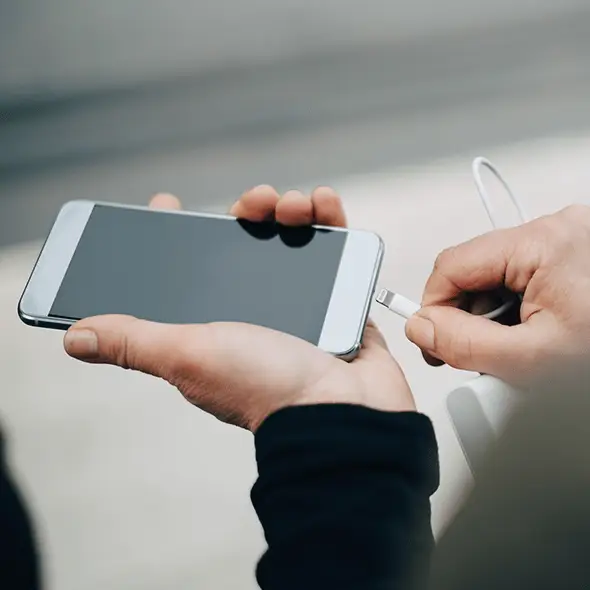
Apple debunks common charging myth that people claim could harm your battery


We all hear plenty of old wives' tales about phone batteries, but it's hard to know which ones are actually right.
Some of the more common tips you sometimes hear about managing your phone's battery is that you should try to deplete it as much as possible before you plug it in, and you should never under any circumstances charge it overnight.
This can be really annoying, since it'll often mean that you end up with a phone that's low on charge when you need it most, because you don't have a normal charging schedule and didn't plug it in while you were sleeping.
Advert
Well, it turns out that Apple's guidance on its own website proves these supposed rules completely wrong - at least where the iPhone is concerned.
This is because, in Apple's own words: "[The] iPhone automatically stops charging when the battery is fully charged, so it’s safe to keep your iPhone connected to a charger overnight. Charging resumes automatically if your battery level drops below 95%."
It shouldn't really come as too much of a surprise that Apple has thought of this problem and solved it - given how smart a modern iPhone is, letting it figure out how it can best retain charge isn't exactly rocket science.
On top of this built-in feature, Apple offers extra battery health options that you can turn on if you want to be extra careful.
By default, new iPhones use 'Optimized Battery Charging', which learns your charging routine as you use your phone. This lets the phone stop charging at 80% charge each night, before topping it up to be fully charged just as you're likely to wake up and start using it.
This means your phone won't sit at full charge for very long, reducing its chances of overheating.
You can also impose an 80% limit, meaning your iPhone will never exceed this level of charge. While it means you'll have less battery life to rely on overall, it'll also see the battery last longer, so it's an interesting feature.
For most people, it won't be necessary, but it might help your phone last longer - without forcing you to upgrade after a decline in battery life.