uniladtech homepage
  • News
    • Tech News
    • AI
  • Gadgets
    • Apple
    • iPhone
  • Gaming
    • Playstation
    • Xbox
  • Science
    • News
    • Space
  • Streaming
    • Netflix
  • Vehicles
    • Car News
  • Social Media
    • WhatsApp
    • YouTube
  • Advertise
  • Terms
  • Privacy & Cookies
  • LADbible Group
  • LADbible
  • UNILAD
  • SPORTbible
  • GAMINGbible
  • Tyla
  • FOODbible
  • License Our Content
  • About Us & Contact
  • Jobs
  • Latest
  • Archive
  • Topics A-Z
  • Authors
Facebook
Instagram
X
TikTok
Snapchat
WhatsApp
Submit Your Content
People stunned after realizing the 'Apple' on the back of their iPhone is actually a hidden button

Home>Apple>iPhone
Published 14:54 11 Oct 2024 GMT+1

People stunned after realizing the 'Apple' on the back of their iPhone is actually a hidden button

A TikTok blogger reveals a hidden feature of the Apple logo on the back of your iPhone

Rebecca Hills-Duty

Rebecca Hills-Duty

google discoverFollow us on Google Discover
Featured Image Credit: NIC COURY/Contributor / Justin Sullivan/Staff via Getty
Apple
iPhone
TikTok
Social Media
Gadgets

Advert

Advert

Advert

Smartphones are extremely valuable devices, full of all sorts of useful functions and tools for everyday life. However, unless you have enough time to spend digging through every menu and description of your smartphone, some helpful little functions and tools may not be obvious, such as this one neat trick discovered by a TikTok tech blogger.

TikTok user Techgirljen posted about a lesser-known function of the prominent Apple logo that’s present on every iPhone, and pointed out that it had a secret hidden function.


Anyone who has an iPhone 8 or later can turn on a function called ‘Back Tap’. This essentially turns the Apple logo on the rear of the iPhone into a button.

Advert

In order to enable this function, you need to go to the Settings menu and scrolls to Accessibility. From there, select Touch and then Back Tap. There are two options, Double Tap and Triple Tap. These can each be assigned a function.

To demonstrate how it worked, Techgirljen assigned Double Tap to the Flashlight, and Triple Tap to the Camera app. She then demonstration this in action, showing how the apps were activated with just a few taps of the back panel.

Not every user is quite as pleased with the function. One user on Reddit described the Back Tap feature as inconsistent. “I cannot get it to work when I want, but it randomly turns on the torch on certain occasions. I never found a proper way to tap the phone back so that it consistently works.”

Another user replied saying that the Apple logo isn’t quite the correct location to hit on many iPhone models, saying: “It’s great once you get used to it, I only use the double taps for a screenshot tho. Found the best place and most consistent is tapping the area southeast of the camera housing with my index finger.”
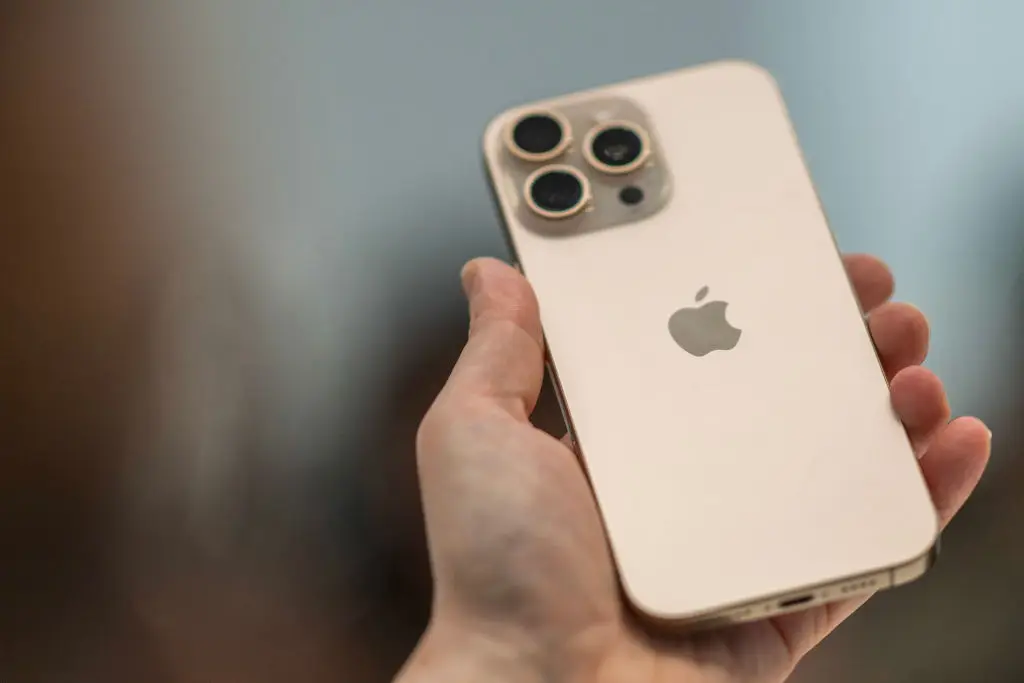
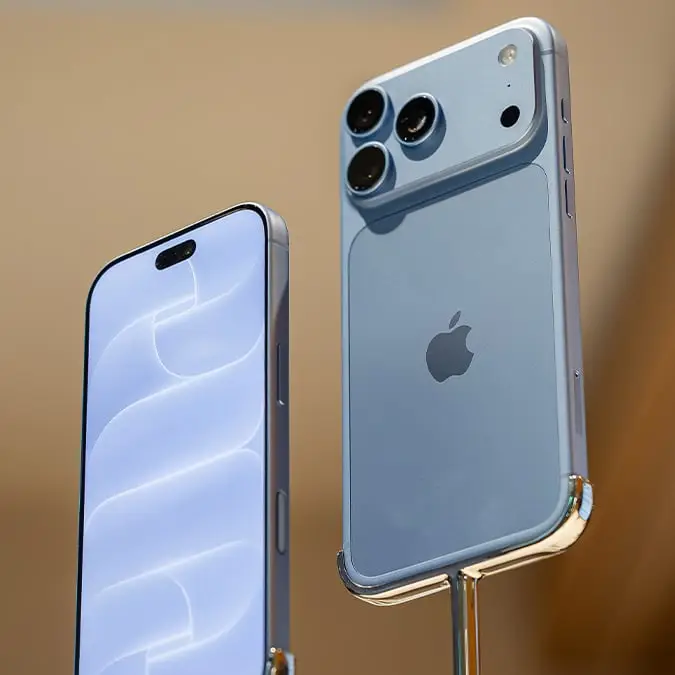
The Apple logo hiding a useful secret (Getty Images / NIC COURY / Contributor)

The tap placement was then further confirmed by a third Reddit poster, who said: “Tapping southeast of the camera area was the secret for me. Before reading this Reddit posting, I tried double-tapping my iPhone 13 Pro near the Apple logo 100 times in a row, and it registered only twice.”

Though this hidden function could be very useful for people to access certain apps such as the flashlight or camera in a hurry, it does seem to need some experimentation before you can find that sweet spot.
Choose your content:

2 days ago
6 days ago
  • Chesnot / Contributor / Getty
    2 days ago

    Tweaking these little-known iPhone settings will help stop iOS 26.5 battery drain

    People have reported battery issues following the latest update

    Apple
  • Bloomberg / Contributor / Getty
    2 days ago

    These popular iPhone models still used by millions might not qualify for Apple's iOS 27 update

    Many are speculating that they get cut off with the next big iOS version

    Apple
  • photoschmidt / Getty
    2 days ago

    iOS 27 could see Apple fix frustrating AirPods issue many users struggle with

    The AirPods settings menu will be more functional than ever before

    Apple
  • Bloomberg / Contributor via Getty
    6 days ago

    Apple quietly adds three products to 'vintage and obsolete' list leaving owners struggling to get support

    This could push you to an upgrade in the near future

    Apple
  • iPhone users are only just discovering what the orange and green dots on their screen actually mean
  • Ex-Apple worker shares iPhone keyboard hack users are calling a game-changer
  • Apple is reportedly including 'quiet' Siri warning into your iPhone with just one word
  • iPhone users left stunned after comparing screen brightness to an Apple store device