• News
    • Tech News
    • AI
  • Gadgets
    • Apple
    • iPhone
  • Gaming
    • Playstation
    • Xbox
  • Science
    • News
    • Space
  • Streaming
    • Netflix
  • Vehicles
    • Car News
  • Social Media
    • WhatsApp
    • YouTube
  • Advertise
  • Terms
  • Privacy & Cookies
  • LADbible Group
  • LADbible
  • UNILAD
  • SPORTbible
  • GAMINGbible
  • Tyla
  • FOODbible
  • License Our Content
  • About Us & Contact
  • Jobs
  • Latest
  • Topics A-Z
  • Authors
Facebook
Instagram
X
TikTok
Snapchat
WhatsApp
Submit Your Content
Expert explains crucial reason why you should never charge an iPhone to 100%

Home> Apple> iPhone

Published 12:01 13 Aug 2024 GMT+1

Expert explains crucial reason why you should never charge an iPhone to 100%

The tech expert has explained the important reason why

Rikki Loftus

Rikki Loftus

google discoverFollow us on Google Discover

Many iPhone users like to get their phone charged up to 100% battery.

It’s satisfying to leave the house knowing that your device is fully charged, meaning it will last as long as possible.

However, one expert has explained a crucial reason why you should never charge an iPhone that much.

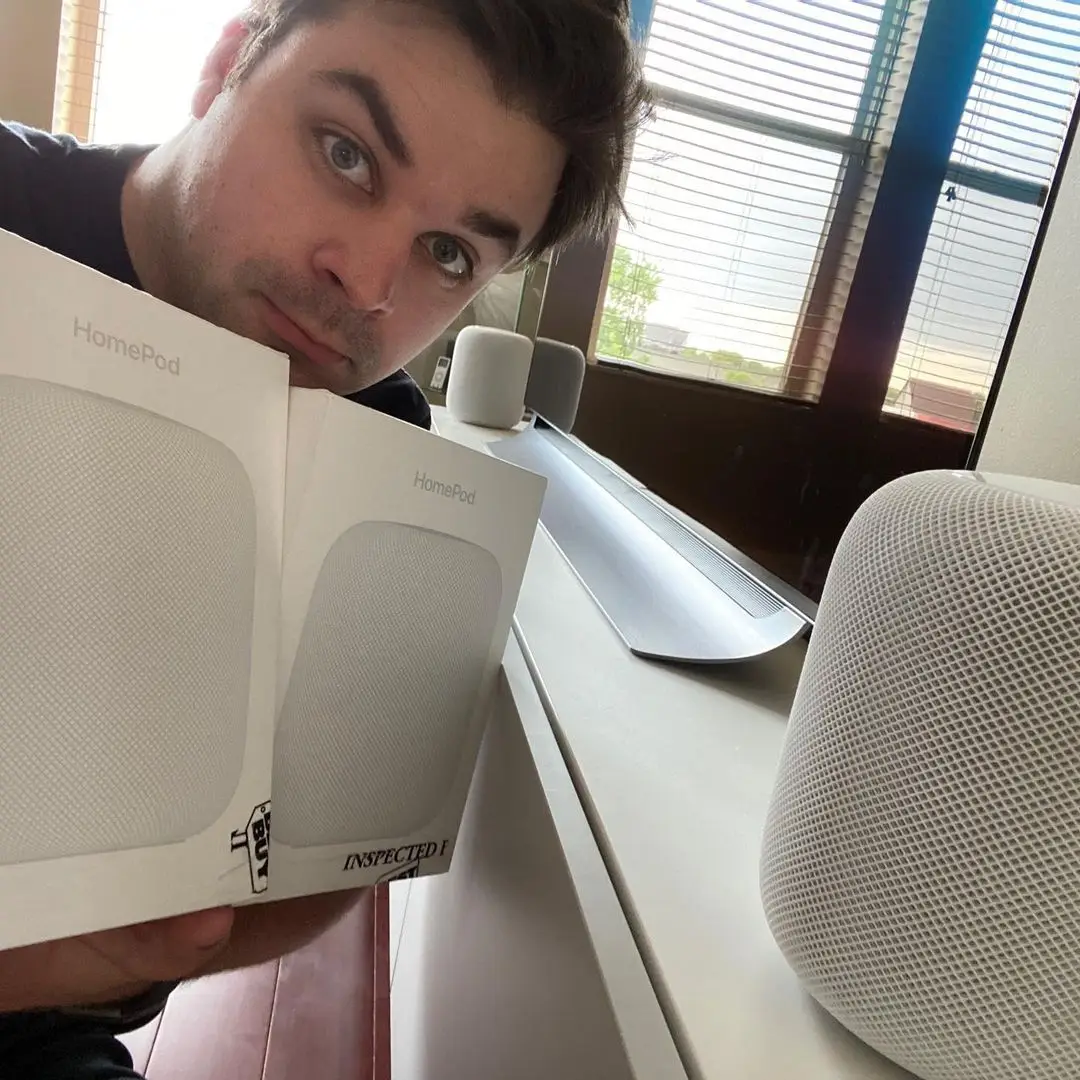
The tech expert regularly gives viewers tips for their devices (Instagram/@appleexplained)

Advert

According to tech expert Greg Wyatt Jr, on his YouTube channel, Apple Explained, regularly charging your phone up to 100% isn’t something that Apple says you should do.

In a video, the expert explained that the type of batteries used in most modern electronics, including the iPhone, is lithium-ion.

The capacity of these batteries are “only good for a certain number of charges, or cycles, before it begins to degrade”.

You can find out for yourself how much your battery has degraded by clicking onto the battery settings on your device and tapping battery health.

Wyatt said: “Obviously we want to prevent our batteries from wearing out as much as possible, which is why charging all the way to 100% and allowing the battery level to drop down to ten percent or less is considered bad practice.

“These deep discharges exhaust the lithium battery cells faster than charging to eighty or ninety percent and getting it back on its charger by the time it reaches thirty or forty percent.

“This not only ensures you get as much battery life out of your iPhone for as long as possible for those days when you really need it, but it also prevents performance issues caused by deeply degrading batteries.”
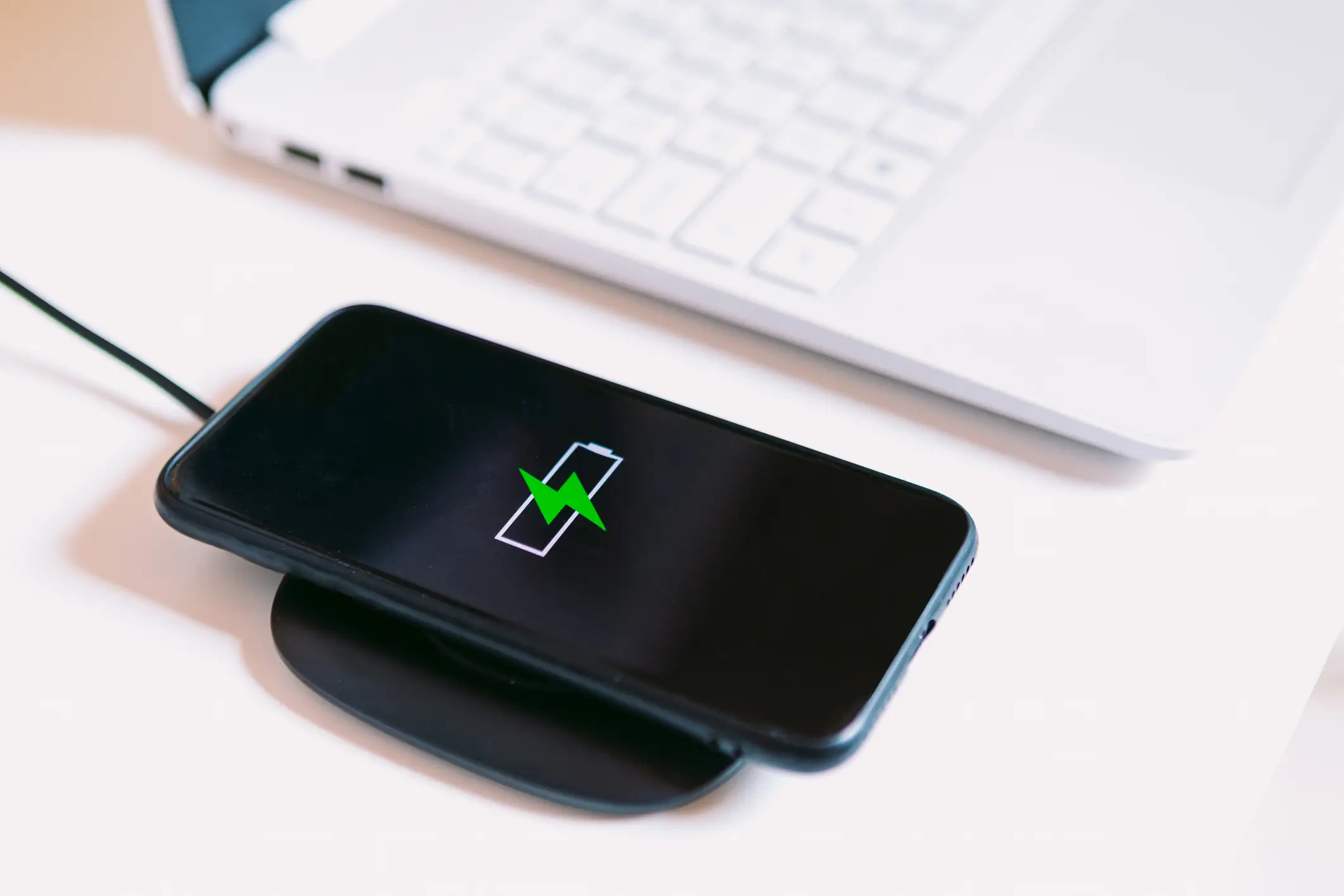
According to the YouTuber, you should never let your phone reach 100% while charging (DBenitostock/Getty Images)

There are also software features that are designed to optimize battery charging. These include a feature where the iPhone will wait before charging 80% until it knows you’re ready to use the device again.

The YouTuber continued: “So, it won't sit at 100% for hours at a time. But if that does happen, you’ll actually receive a notification that says your iPhone should be removed from power and discharged to improve battery health.

“But deep discharges also negatively affect the battery, which is where low power mode comes in.
The iPhone battery begins to degrade over time but Apple Explained has tips on how to prolong its health (Costfoto/NurPhoto via Getty Images)

“At 20%, your iPhone will automatically begin throttling performance and background tasks to prevent the battery from draining.

“And while that means more battery life for the user, it also means a higher likelihood that the device will be connected to power before reaching an extremely low battery percentage.”

The expert recommends that it’s best to keep your battery level somewhere between 40 and 80% whenever possible.

Featured Image Credit: NurPhoto / Contributor / Helen Camacaro / Getty
Apple
iPhone
Social Media
Youtube
Gadgets
Tech tips

Advert

Advert

Advert

Choose your content:

a minute ago
6 hours ago
4 days ago
  • FABRICE COFFRINI / Contributor via Getty
    a minute ago

    Apple CEO Tim Cook issued warning by CIA following classified briefing

    The briefing reportedly took place in a secure Silicon Valley room back in 2023

    Apple
  • Apple
    6 hours ago

    Apple launches new, cheaper version of iPhone with long-awaited feature

    Wireless charging just got faster

    Apple
  • NurPhoto / Contributor / Getty
    4 days ago

    Apple brings new feature to users in iOS 26.4 beta that could lock you out of important apps

    Not everyone agrees

    Apple
  • Tim Robberts / Getty
    4 days ago

    Little-known iPhone shortcut is super helpful across multiple different apps

    A hidden iPhone gesture is about to save you serious time.

    Apple
  • Your iPhone is hiding an important tool in plain sight right by the camera lens
  • The actual reason why your iPhone doesn't let you decline specific incoming calls explained
  • What really happens to your iPhone's battery health when you charge to 80% instead of 100%
  • Expert reveals every iOS 26 setting you should adjust on your iPhone right after updating