uniladtech homepage
  • News
    • Tech News
    • AI
  • Gadgets
    • Apple
    • iPhone
  • Gaming
    • Playstation
    • Xbox
  • Science
    • News
    • Space
  • Streaming
    • Netflix
  • Vehicles
    • Car News
  • Social Media
    • WhatsApp
    • YouTube
  • Advertise
  • Terms
  • Privacy & Cookies
  • LADbible Group
  • LADbible
  • UNILAD
  • SPORTbible
  • GAMINGbible
  • Tyla
  • FOODbible
  • License Our Content
  • About Us & Contact
  • Jobs
  • Latest
  • Archive
  • Topics A-Z
  • Authors
Facebook
Instagram
X
TikTok
Snapchat
WhatsApp
Submit Your Content
Easy way to activate iPhone secret 'red mode' that users are just discovering

Home>Apple>iPhone
Published 09:41 6 Dec 2024 GMT

Easy way to activate iPhone secret 'red mode' that users are just discovering

It'll be helpful for those who struggle to fall asleep

Rebekah Jordan

Rebekah Jordan

google discoverFollow us on Google Discover
Featured Image Credit: Apple/Discussions / SOPA Images/Contributor/Getty
iPhone
Smartphone
Apple

Advert

Advert

Advert

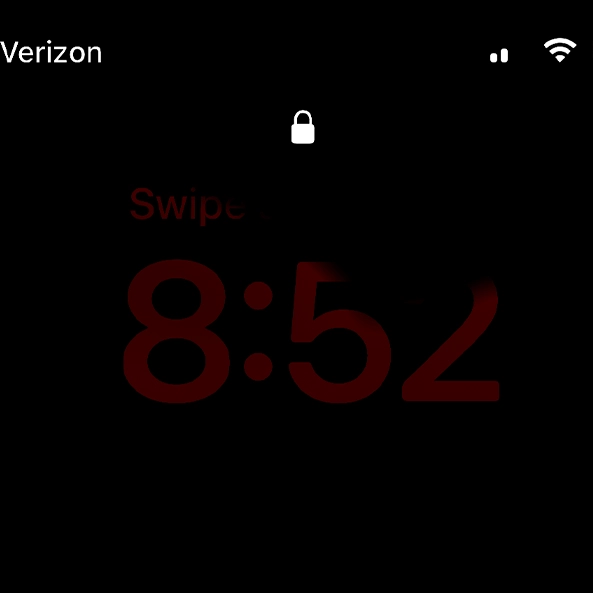
A hidden 'red mode' rolled out in an iOS 17 update and iPhone users are only just discovering it.

When Apple fans came across it, they assumed that their device had been hacked or water-damaged.

Turns out, this 'red mode' feature is designed to help users relax and sleep better at night.

This is based on studies suggesting that red lights have no effect on our circadian rhythms.

Advert

The red tint is part of StandBy, a customisable Lock Screen mode that activates when your iPhone is charging and placed sideways in landscape mode.

There are two easy ways to turn on 'red mode.'

You can either go to Settings > Accessibility > Display & Text Size > Colour Filters and apply a red tint.

By opening up Night Mode in StandBy, you can adjust the screen's colours to red.
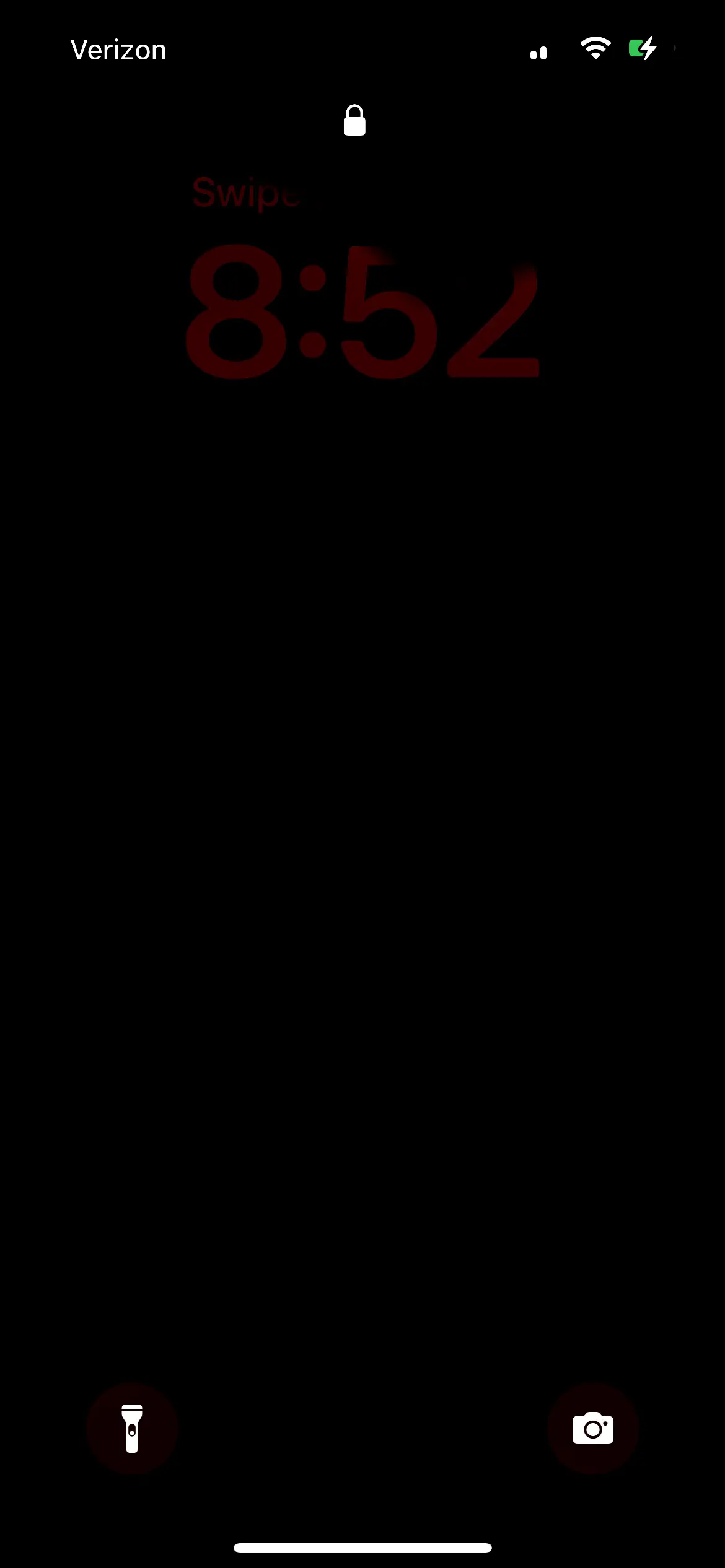
Apple fans were blown away at iPhone hidden secret mode (Apple Discussions)

Or you can simply activate StandBy in Settings, connect your iPhone to a charger and place it on its side.

"You can use StandBy to turn your iPhone into a bedside clock, a photo frame, or a display for widgets or Live Activities in full screen," Apple explained on its website.

"When Night Mode is turned on for StandBy, the screen adapts to low ambient light at night, displaying items with a red tint to minimize disturbance while you sleep."

Users can choose to set the feature to 'Automatically', where it adjusts based on the surrounding light, or 'After 20 Seconds.'

The shock of the hidden feature circulated among iPhone owners when a Reddit user shared how their iPhone screen unexpectedly turned red while placed on its side.
Red light in the evening can aid sleep (SOPA Images/Contributor/Getty)

"Any ideas why my widgets are red on the lock screen?" they posted on the popular internet forum.

"The red light only comes on when your room is dark," one user explained.

But the surprise among other users was apparent.

"What!! How!? I feel like I could never find the setting for it," another added.

Someone else commented on the thread: "As a hardcore Android lover, I have to say I keep getting impressed by Apple almost every time."

Interestingly, science shows that red light, like within this mode, may encourage the release of melatonin which in turn, regulates sleep.

"The only thing that you could argue is that if you give that red light in the evening prior to sleep, you're minimizing the disruption of the circadian system," concluded Mariana Figueiro, director of the Mount Sinai Light and Health Research Center in New York City.

Choose your content:

3 days ago
4 days ago
5 days ago
  • Bloomberg / Contributor via Getty
    3 days ago

    Apple quietly adds three products to 'vintage and obsolete' list leaving owners struggling to get support

    This could push you to an upgrade in the near future

    Apple
  • Reddit
    3 days ago

    Apple Watch user baffled after finding 'kitten mode' feature hiding in her apps

    They were confused about what the bizarre option meant

    Apple
  • Tim Robberts / Getty
    4 days ago

    Ex-Apple worker shares iPhone keyboard hack users are calling a game-changer

    No more awkward typing

    Apple
  • Bloomberg / Contributor / Getty
    5 days ago

    Apple is reportedly including 'quiet' Siri warning into your iPhone with just one word

    Apple appears to be giving itself an escape route before Siri 2.0 launches

    Apple
  • iPhone users are only just discovering what the orange and green dots on their screen actually mean
  • iPhone Ultra rumored to drop three huge features despite prices starting at at $1,999
  • Ex-Apple worker shares iPhone keyboard hack users are calling a game-changer
  • Exactly how much iPhone users could get from Apple's $250 million lawsuit as payout estimate rises