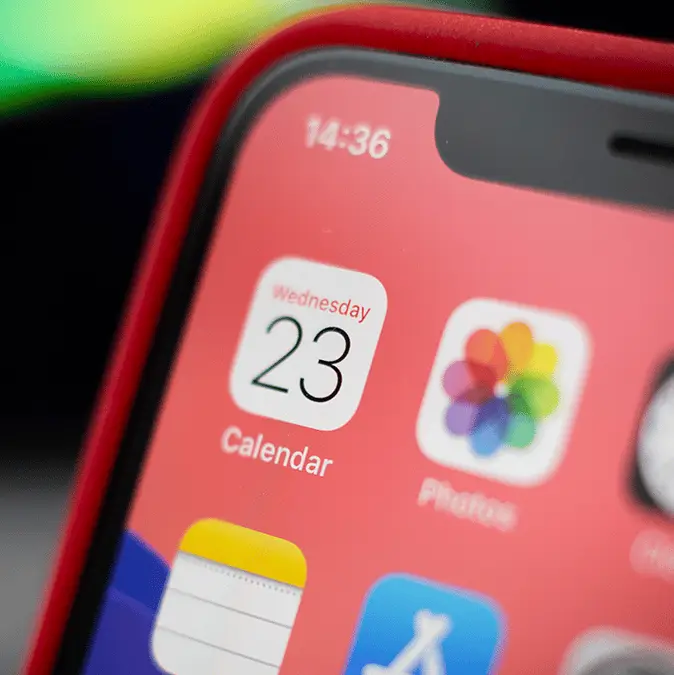


iPhone users are being warned about a new phone scam that affects the calendar app in your device.
While iPhones have become increasingly savvy with features like automatically adding event screenshots to your calendar, some users have encountered more disturbing things. One woman was seriously unsettled after discovering a mysterious reminder that appeared in her iPhone calendar without her knowledge.
Now, many users are finding that their scheduling app is flooded with scams and 'urgent warnings' for payment.
According to Newsweek, a new flood of fake event invites and notifications is urging users to click urgent 'security warnings,' promising mysterious rewards or calling random phone numbers. The problem is that, despite how dodgy the alerts look, they seem to bypass Apple's security.
Advert
“All of the sudden, my calendar app has been doing these random events which I cannot remove or disable. New ones replace them over time,” a Reddit user recently reported. The most important thing is not to click on calendar notifications about prizes you never entered or 'urgent' issues you didn't create.
Apple does not send virus alerts through its calendar app, so if something feels off, trust it. Thankfully, though, there's a way to handle these pesky phishing invites.
Simply head to your settings and check your calendar accounts for any 'subscribed calendars' you don’t remember adding. If anything looks suspicious, like bogus email addresses, make sure to delete it immediately.
You can also open the calendar app directly, browse through your calendar list, and remove any mysterious subscriptions from there.
As for why it's commonly happening, one user replied on Reddit: “You clicked on something that subscribed you to a calendar that is giving you alarming pop-ups multiple times a day, trying to scare you into paying for something or giving information.
“Tap on one of the events and hit ‘unsubscribe from calendar.'"
Another user suggested that the calendar intrusions were part of Microsoft's Outlook account, originating from spam emails that somehow bypassed Apple's security screening.
"I’ve figured out that it’s bc of my outlook inbox connected to my calender, I found all the mails that made these calendar appointments in my junk mail," someone else claimed.
"Can’t even load pictures/banners in junk mail but apparently they can add appointments to my calendar smh."
To secure your Outlook settings, Malwarebytes advised deleting the emails in your junk folder and avoiding clicking any links or opening attachments in the invite. Also, block the sender by right-clicking the event and tapping the option to report the sender as junk or spam to help prevent future invites from that email address.
Meanwhile, you can also adjust your calendar settings. They wrote: "Access your Outlook settings and disable the option to automatically add events from email. This setting matters because even if the invite lands in your spam folder, auto-adding invites will still put the event on your calendar."